
Gutenberg block editor tips can completely transform how you publish content on your website without requiring any advanced coding skills or complex page builders. When WordPress introduced the block editor, many users felt hesitant to move away from the classic interface they had grown comfortable with over the years. However, mastering individual blocks unlocks endless layout possibilities that keep your readers engaged from the first paragraph to the final sentence. Whether you run a personal blog or manage content for a growing business, taking control of your publishing environment makes a noticeable difference in your daily output. The Presswick Media team put this guide together for you.
What Is Gutenberg Block Editor Tips?
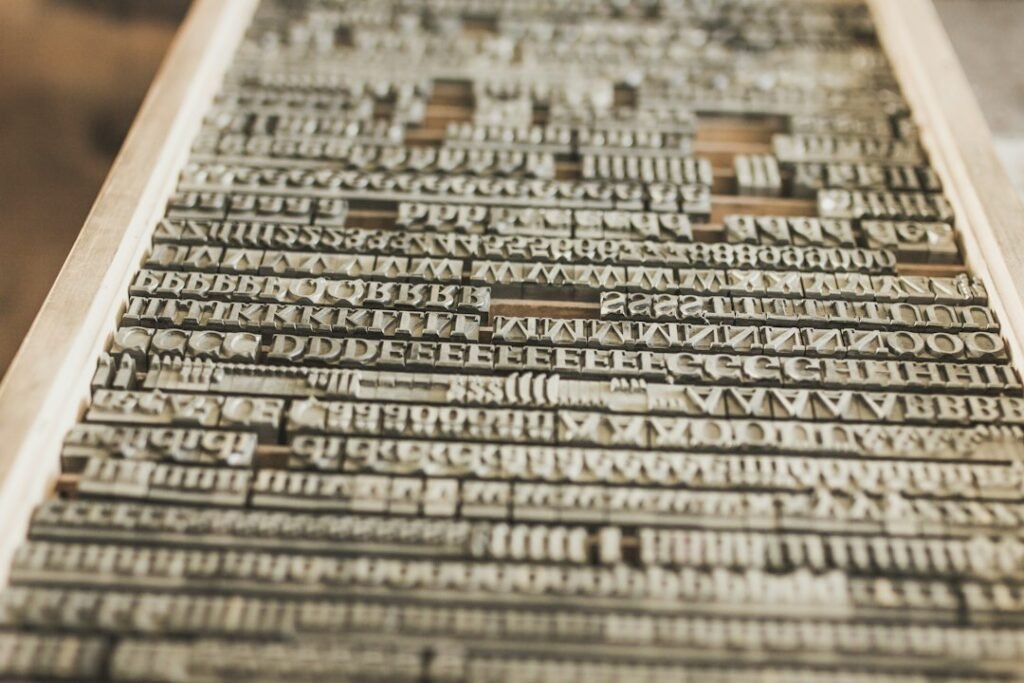
Gutenberg block editor tips refer to practical strategies, formatting shortcuts, and workflow adjustments designed to help content creators use the default WordPress publishing tool more efficiently. Instead of treating every paragraph and image as a single uniform text field, the block-based system treats each element as a distinct module that you can move, style, and duplicate easily. This modular approach allows for rich layouts, including multi-column text, embedded media, and custom callouts, all built natively into WordPress.
Switching to a block-based mindset changes how you plan your articles. Instead of fighting with clumsy shortcodes or relying on heavy third-party plugins, you can build clean layouts using native elements. If you are comparing different publishing setups, you might want to look into WordPress vs website builders to understand why native flexibility wins for long-term growth.
Getting comfortable with these foundational blocks saves you time and reduces formatting headaches. You do not need to be a designer to create visually appealing pages that look professional on both desktop screens and mobile devices. Let us look at some of the best ways to upgrade your workflow right now.
Mastering Layouts and Visual Hierarchy
The secret to keeping readers on your page is breaking up massive walls of text. When someone lands on your site, they scan the content before deciding to read in detail. Using columns, cover blocks, and spacer blocks creates breathing room that guides the eye naturally down the page.
One of the most effective formatting habits is grouping related elements together. If you have an image alongside a pull quote, wrap them inside a Group block or a Row block. This ensures they stay locked together on mobile screens instead of breaking apart awkwardly. You can also adjust padding and margins right from the sidebar without touching a single line of CSS.
Typography scaling is another powerful tool within the native editor. Instead of keeping every header the same size, play with heading hierarchies to create clear visual signposts. Pair a bold headline with a subtle lead paragraph to draw instant attention to your core message.
When you maintain a consistent visual structure across your articles, your readers subconsciously trust your content more. If your site needs a solid structural foundation before you focus on styling, check out Building an editorial workflow in WordPress to align your writing and publishing habits.
- Use the Cover block with a subtle color overlay for bold introductory headers.
- Keep paragraph blocks short—around three to four sentences—for better readability.
- Utilize the Separator block sparingly to mark natural shifts in topic.
- Group related images and captions to prevent layout shifts on mobile devices.
Good design is actually about removing distractions so your message can shine through clearly.
Speeding Up Your Publishing Process
Writing great content is only half the battle; getting it formatted and published efficiently dictates how much you can produce. Reusable blocks—now called sync patterns—are your best friend when you want to save time. If you find yourself inserting the same email sign-up box, author bio, or call-to-action button at the end of every post, turn it into a synced pattern.
Keyboard shortcuts will also change how fast you work inside the editor. Typing a forward slash (/) brings up the block menu instantly, letting you type the name of the block you want without lifting your hands from the keyboard. Pressing command or control plus shift plus D duplicates your current block in a fraction of a second.
As you build out more complex posts, keeping your site performing at its peak remains vital. For practical advice on maintaining fast load times as you add rich media blocks, read Simple Ways to Speed Up a WordPress Site to keep your pages snappy.
Experimenting with these small workflow habits compounds over time, freeing up hours in your weekly schedule. Once you stop fighting the software and start flowing with it, content creation becomes genuinely enjoyable.
Building a gorgeous, high-performing website is a journey of small, consistent improvements. Take things one block at a time, test different layouts, and see what resonates best with your audience.
If you have any questions, feel free to get in touch with us through our contact page.